Open Graph Meta Generator
Build the full set of OG and Twitter Card meta tags with preview.
Page details
Twitter / X
Preview (Twitter / Slack)
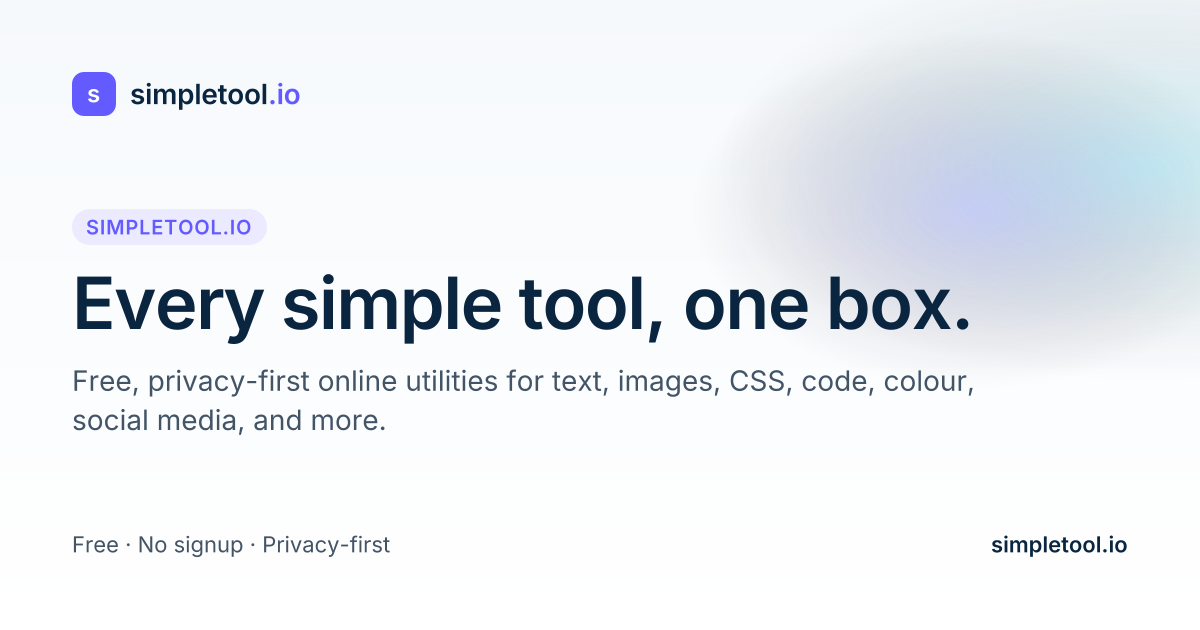
simpletool.io
Every simple tool, one box.
A privacy-first, ad-supported collection of 76 free browser-based utilities for text, images, CSS, code, colour, social, and more.
HTML meta tags
<title>Every simple tool, one box.</title>
<meta name="description" content="A privacy-first, ad-supported collection of 76 free browser-based utilities for text, images, CSS, code, colour, social, and more." />
<link rel="canonical" href="https://simpletool.io/" />

<!-- Open Graph -->
<meta property="og:type" content="website" />
<meta property="og:url" content="https://simpletool.io/" />
<meta property="og:title" content="Every simple tool, one box." />
<meta property="og:description" content="A privacy-first, ad-supported collection of 76 free browser-based utilities for text, images, CSS, code, colour, social, and more." />
<meta property="og:image" content="https://simpletool.io/og/default.png" />
<meta property="og:site_name" content="simpletool.io" />
<meta property="og:locale" content="en_US" />

<!-- Twitter Card -->
<meta name="twitter:card" content="summary_large_image" />
<meta name="twitter:site" content="@simpletoolio" />
<meta name="twitter:creator" content="@simpletoolio" />
<meta name="twitter:title" content="Every simple tool, one box." />
<meta name="twitter:description" content="A privacy-first, ad-supported collection of 76 free browser-based utilities for text, images, CSS, code, colour, social, and more." />
<meta name="twitter:image" content="https://simpletool.io/og/default.png" />
What is an Open Graph Meta Generator?
Open Graph (OG) tags are the metadata that tells Facebook, LinkedIn, Slack, Discord, X, and every other link-preview-generating platform what to show when someone shares a URL. Without them, the platform picks an arbitrary image and a truncated chunk of body text, and your link looks spammy or broken. With them, you control exactly what appears — title, description, preview image, and site name — in every social share of your page.
The Open Graph protocol was introduced by Facebook in 2010 and is now a de-facto web standard. Twitter added its own parallel set of twitter:* meta tags with a few extras (most importantly twitter:card which controls the layout). Modern best practice is to include both families — the Twitter-specific tags only override the OG tags when specified, so pages that set only OG work acceptably on Twitter too, but pages that set both look best everywhere.
The essential tags. og:title should mirror your document title (40–70 characters). og:description is the tagline that appears below (150–200 characters, plain text). og:url should be the canonical URL. og:image is the preview — 1200×630 pixels is the universal sweet spot that works across every platform; it displays at full size on Facebook and LinkedIn and as the large image on Twitter's summary_large_image card.
Content type. og:type tells the platform what kind of content this is: website is the default, article enables Facebook's article rendering with byline and published date, product unlocks price and availability in shopping cards, video lets the platform inline-play the video if supported, profile is for personal pages. Most blogs and landing pages use website; blog posts usefully set article.
Image design. Social cards are squashed, cropped, and recoloured by each platform. Leave a generous safe zone — keep key text at least 80 pixels from every edge. Stick to high contrast and a single clear focal point. Avoid fine text (anything under 24 pt disappears on mobile). The live preview on this page matches the Twitter summary_large_imagelayout, which is the most common one.
Testing. After deploying, use Facebook's Sharing Debugger, Twitter's Card Validator (now accessed via X itself), and LinkedIn's Post Inspector. Each caches aggressively — if you change tags, re-submit the URL via the debugger or the cached preview will stick around for weeks.
Privacy: the tool is purely HTML generation in your browser. Nothing is submitted or stored. The preview image is fetched directly by your browser from the URL you entered.
How to generate Open Graph tags
- Fill in page details. Title, description, canonical URL.
- Add an image URL. Use 1200×630 PNG or JPEG hosted on your own domain.
- Pick a type. Website is the default; use article for blog posts.
- Add Twitter handle (optional but recommended for attribution).
- Review the preview — check title truncation and image composition.
- Copy the tag block and paste into your page's
<head>. - Re-submit through each platform's debugger after deploying to bust caches.
Features
- Generates Open Graph + Twitter Card tags in one copy-ready block.
- Live preview in the Twitter / Slack summary_large_image layout.
- Character counters for title and description against recommended ranges.
- Supports all major og:type values (website, article, product, video, profile).
- Runs entirely in your browser — no backend, no tracking.
Frequently asked questions
- What's the ideal OG image size?
- 1200×630 pixels. Every major platform supports it at full quality. Facebook displays it at 1200×630, LinkedIn at 1200×627, Twitter summary_large_image at 1200×675 (bottom is cropped slightly). Keep key elements in a central 1000×500 safe zone.
- Do I need both og:* and twitter:* tags?
- No — Twitter falls back to og:* tags if twitter:* are missing. But twitter:card is required to get the large-image layout. Setting both is best practice for maximum control.
- Why isn't my image updating?
- Facebook, LinkedIn, and other platforms cache OG data aggressively (sometimes for weeks). After changing tags, re-submit the URL through Facebook's Sharing Debugger and LinkedIn's Post Inspector — each has a 'Scrape again' or 'Clear cache' option.
- How long should the title be?
- 40–70 characters. Longer titles are truncated by every platform. Make the first 40 characters count.
- What's og:type for?
- It tells the platform how to render the card. 'website' is default. 'article' adds article-specific features like byline and published date. 'product' unlocks price and availability. Most pages use 'website' or 'article'.
- Is my data sent anywhere?
- No. The generator builds the HTML in your browser and the preview loads the image directly from the URL you entered. Nothing is stored on our side.