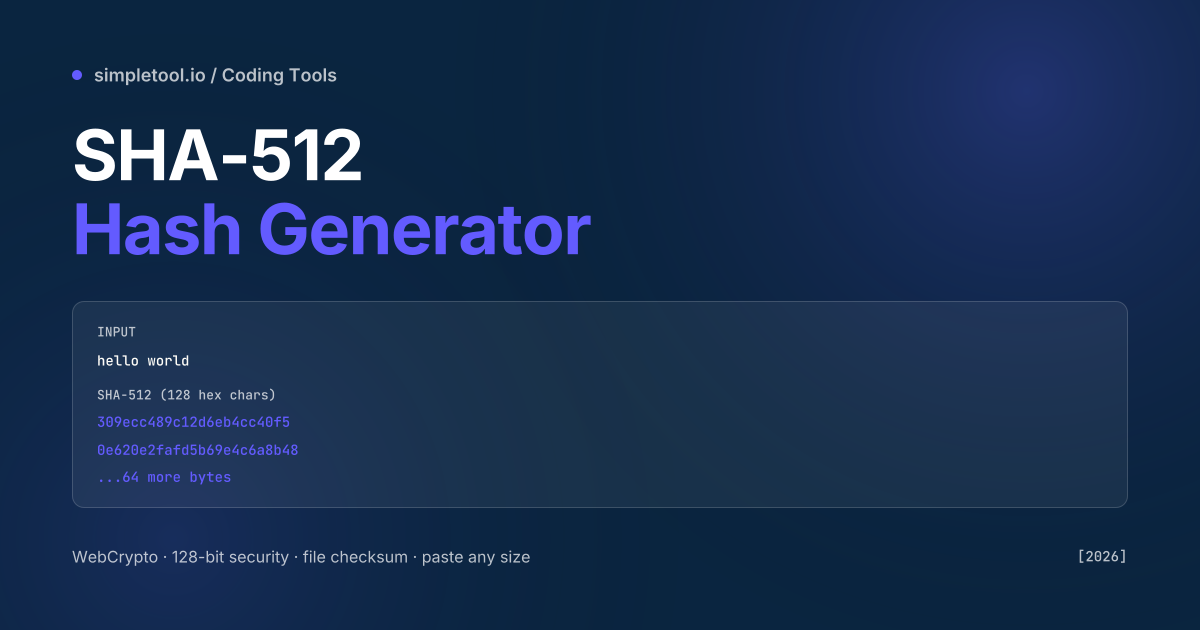
SubtleCrypto API — same engine browsers use for HTTPS — and runs entirely on your device.SHA-512 is the largest of the SHA-2 family. It produces a 512-bit digest twice the size of SHA-256, with corresponding security against collision attacks. For most checksum use cases SHA-256 is enough; SHA-512 wins where you need extra margin (long-lived archive integrity, code-signing certificates valid for 5+ years, forensic chain-of-custody hashes) or where the platform standard mandates it (Git uses SHA-1 today but is migrating to SHA-256; some EU government systems specify SHA-512). On 64-bit hardware SHA-512 is actually faster than SHA-256 — it processes 8-byte blocks natively where SHA-256 processes 4-byte blocks.
Our SHA-512 hash generator runs the browser’s native SubtleCrypto.digest('SHA-512', ...) implementation — the same code path that handles HTTPS certificate verification — and never uploads your input. Paste text or drop a file, and the hex digest appears instantly. This guide covers SHA-512 vs SHA-256 vs SHA-3, when each is the right pick, and the gotchas with binary-vs-text input encoding.
SHA family at a glance
| Algorithm | Output size | Collision security | Status |
|---|---|---|---|
| MD5 | 128 bits | Broken (collisions trivial) | Checksums only, never security |
| SHA-1 | 160 bits | Broken (SHAttered, 2017) | Legacy systems, Git (migrating) |
| SHA-224 | 224 bits | 112-bit security | FIPS-compliant short hash |
| SHA-256 | 256 bits | 128-bit security | De facto standard (TLS, Bitcoin, Git plan) |
| SHA-384 | 384 bits | 192-bit security | SHA-512 truncated, used in PKI |
| SHA-512 | 512 bits | 256-bit security | High-assurance, faster on 64-bit |
| SHA-3 (Keccak) | 224–512 bits | Independent design, 128–256-bit | Backup if SHA-2 ever weakens |
When to pick SHA-512 specifically
SHA-256 is the default for almost every new system. SHA-512 makes sense when:
- Long-lived archives. A digest you’ll verify in 20 years benefits from extra security margin. Government archives, legal-record systems, and long-term forensic chains of custody specify SHA-512.
- 64-bit hardware. SHA-512 is 30–50% faster than SHA-256 on modern x86_64 CPUs because it processes 8-byte blocks natively. On 32-bit ARM (rare in 2026) the situation reverses — SHA-256 wins.
- HMAC for sensitive material. HMAC-SHA-512 is preferred over HMAC-SHA-256 for high-value secrets like signing keys for code release.
- Compliance mandates. Some EU government systems (BSI, ANSSI) specify SHA-512 minimum; some financial standards align with that.
- Password-key derivation. PBKDF2 / Argon2 / bcrypt all support SHA-512 as the inner hash. Doesn’t make the password significantly stronger, but is sometimes specified by compliance frameworks.
For everyday use — verify a download, hash a config file, generate a deterministic ID — SHA-256 is faster to compute and the 256-bit security is enough.
How to compute SHA-512 in your browser
- Open the SHA-512 generator
- Type or paste text in the input — the digest appears live as you type
- Or drop a file — the digest is computed by streaming the bytes through SubtleCrypto, no upload
- Click Copy for the lowercase hex digest, or toggle UPPERCASE
- For HMAC mode, click HMAC, paste a key, and the HMAC-SHA-512 is computed
Code: how to compute SHA-512 in JavaScript
Browsers and Node.js 19+ both expose the WebCrypto API. The same code works everywhere:
async function sha512(text) {
  const buffer = new TextEncoder().encode(text);
  const hash = await crypto.subtle.digest("SHA-512", buffer);
  return [...new Uint8Array(hash)]
    .map((b) => b.toString(16).padStart(2, "0"))
    .join("");
}

// sha512("hello world") returns
// "309ecc489c12d6eb4cc40f50c902f2b4d0ed77ee511a7c7a9bcd3ca86d4cd86f
//  989dd35bc5ff499670da34255b45b0cfd830e81f605dcf7dc5542e93ae9cd76f"
Common gotchas
- Encoding matters before you hash. SHA-512 is a function over bytes, not characters.
"café"in UTF-8 is 5 bytes; in Latin-1 it’s 4. The two produce different hashes. Always use UTF-8 for text input — the standard everywhere except some legacy Windows pipelines. - SHA-512 is not a password storage algorithm. Never store passwords as plain SHA-512 — even with a salt, the algorithm is too fast and vulnerable to GPU brute-force. Use bcrypt, scrypt, or argon2 for password storage; those use SHA internally as a building block but add deliberate slowness.
- Trailing whitespace and line endings change the hash. A file ending with
\nhashes differently from the same file ending without it. CRLF (\r\n) vs LF (\n) is a common cause of “the hashes don’t match” between Windows and macOS — normalise line endings before hashing. - UTF-8 BOM. A file saved as UTF-8 with BOM has an extra 3 bytes (
EF BB BF) at the start. Same content, different hash. Strip BOMs if you compare hashes between platforms. - SHA-384 is SHA-512 truncated. SHA-384 uses the same algorithm internally, then truncates to 384 bits (96 hex chars). Both are valid SHA-2 hashes; pick based on output size needs.
- Some legacy tools default to wrong hex case. Hex digests are case-insensitive when comparing, but tools default to lowercase or uppercase inconsistently.
309ecc...and309ECC...represent the same hash.
When NOT to use SHA-512
For a password store, use bcrypt / scrypt / argon2 — those are designed to be deliberately slow against brute-force; SHA-512 alone is too fast. For non-cryptographic use cases (database keying, fingerprinting non-sensitive content), use a simpler hash like xxHash or FNV — they’re faster and don’t burn CPU on cryptographic strength you don’t need. For verifying that a small string hasn’t changed in a public ledger, SHA-256 is enough — half the bytes for the same practical security. For random-looking IDs in a URL, use a UUID or a random number; hashes are deterministic, which usually isn’t what you want for IDs.
Frequently asked questions
Is SHA-512 stronger than SHA-256?
Yes — SHA-512 has 256-bit collision resistance vs SHA-256’s 128-bit. Both are far beyond what’s brute-forceable today. For most uses 128-bit security is more than enough; SHA-512 matters for long-lived archives and high-assurance contexts.
Can SHA-512 be reversed?
No. SHA-512 is a one-way function. Given a hash, there’s no method short of guessing every possible input that would recover the original. For “hash-cracking” attacks against weak inputs (short passwords, dictionary words), the attacker doesn’t reverse the hash — they hash candidate inputs until one matches. The defence is using slow algorithms (bcrypt) for passwords.
Why is SHA-512 sometimes faster than SHA-256?
SHA-512 processes 1024-bit blocks of data using 64-bit words. On a 64-bit CPU each word fits in a single register, giving SHA-512 a 30–50% throughput advantage over SHA-256 on modern x86_64. On 32-bit hardware (rare in 2026) the trade reverses.
Should I use SHA-512 for password hashing?
No, not directly. Use bcrypt, scrypt, or argon2id — those are deliberately slow and resistant to GPU brute-force. SHA-512 alone is millions of times too fast to use as a password store. Some compliance frameworks specify SHA-512 inside an HMAC or PBKDF2 wrapper; that’s fine, but plain SHA-512 of a password is a known anti-pattern.
Is my input uploaded?
No. The generator runs the browser’s native SubtleCrypto.digest API. Text and files are processed locally — never sent to our servers. You can verify with DevTools’ Network tab.
What’s the file size limit?
Effectively your browser’s available memory. Files up to several GB hash via streaming on desktop browsers; mobile is more limited. Hashing a 1 GB file takes 5–15 seconds on a recent laptop.
Related tools and guides
- SHA-512 Hash Generator
- SHA-256 Hash Generator
- SHA-384 Hash Generator
- SHA-224 Hash Generator
- All coding tools