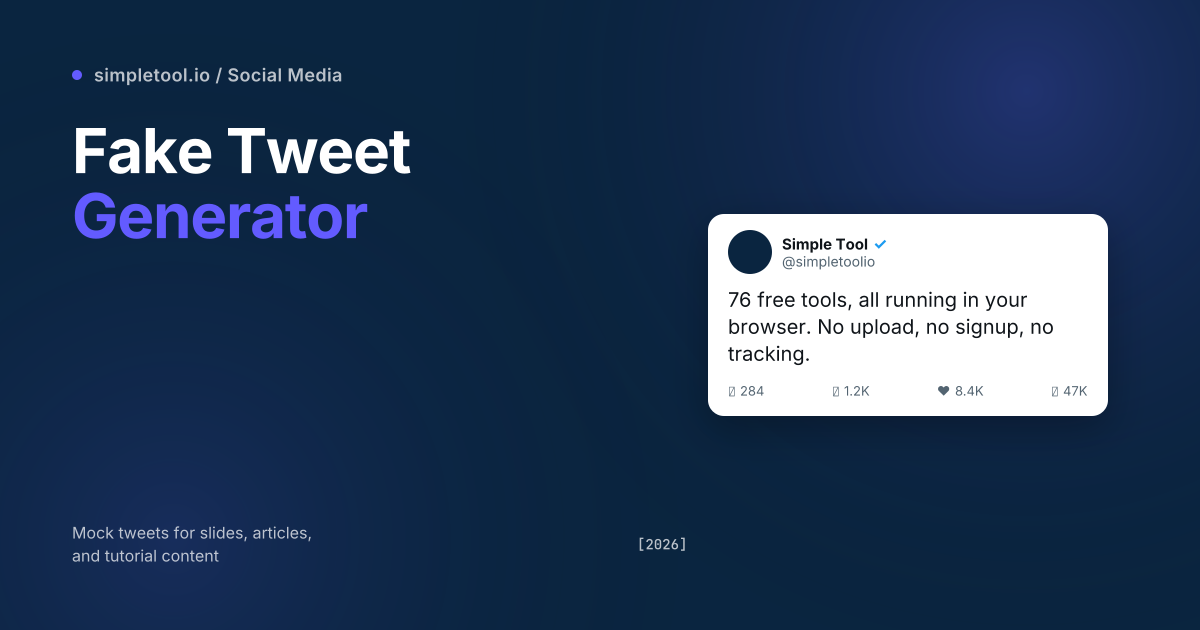
Mock tweets show up in every other tech article, marketing deck, and “social media strategy” course online. They’re the visual shorthand for “imagine this got 50,000 likes” or “here’s how a viral tweet looks”. Building one in Photoshop takes 20 minutes; using a fake tweet generator takes 30 seconds. The difference matters when you need ten of them for a deck.
Our tweet generator reproduces X/Twitter’s current chrome (post-rebrand) faithfully — the avatar, verified badge, username + handle, multi-line body with link/mention/hashtag colouring, the four-icon engagement row, the time-and-date timestamp. Light and dark mode toggle. Export at 2× resolution. Runs in your browser; nothing uploads. This guide explains what good mock-tweet design looks like, the ethical lines you shouldn’t cross, and the five workflows where mock tweets earn their place.
What a faithful mock tweet includes
- Avatar (52×52px in feed, 80×80px in detail view) with circular crop. Include drop shadow for visual depth on dark mode.
- Display name + handle on one line: bold display name, grey @handle. Verified badge optional (blue check or gold check).
- Post body with smart formatting:
@mentionsin blue,#hashtagsin blue, URLs in blue and truncated to domain.tld/… - Embedded media (optional): single image (rounded-corner crop), 2-grid (split right), 4-grid (quad). Quote-tweet box (nested smaller card) for retweets with comment.
- Timestamp in detail-view format: “5:30 PM · Apr 23, 2026 · 1.2M Views”. Feed view uses relative time: “2h”, “1d”, “Jan 14”.
- Engagement row: reply (speech bubble), retweet (circular arrows), like (heart), bookmark (ribbon), share (arrow up). Numbers shown next to each.
- Source line (“Twitter for iPhone”, “Twitter Web App”) — historically present, less so post-rebrand.
Each detail individually feels minor; together they’re the difference between “this looks real” and “this is obviously fake”. A good generator handles all of them automatically based on the post type you specify.
Five legitimate workflows for mock tweets
- Marketing pitch decks. Showing a client what their campaign tweets could look like, with mock engagement counts demonstrating the strategy’s potential.
- Editorial articles. Tech blogs, business news, and explainer articles use mock tweets to illustrate concepts without doxxing real users or violating fair-use rules around quotation.
- Course content. Tutorial creators teaching writing, marketing, or social-media strategy need example tweets that don’t tie content to specific real-world accounts.
- Internal product mockups. Designing a feature where users will share to X — a mock tweet preview is faster than building a real share flow during prototyping.
- Slide decks for keynotes. Speakers showing “what this might look like as a viral moment” use mock tweets as illustrative shorthand. Mark them clearly as illustrations.
How to use the browser tweet generator
- Open the tweet generator
- Pick light or dark mode (mirror the deck/article you’ll embed it in)
- Upload an avatar image (or use the placeholder)
- Fill in display name, handle, and toggle the verified badge
- Type your tweet body — the generator auto-formats
@mentions,#hashtags, and URLs in Twitter blue - Optionally attach an image for the embedded media slot
- Set engagement counts: replies, retweets, likes, views
- Click Export PNG. The result downloads at 2× retina resolution
Everything happens client-side via the canvas API. Avatars and any attached images stay on your device.
The ethics line — when fake tweets cross into deception
Mock tweets become problematic the moment they’re presented as real. Three lines you should never cross:
- Don’t impersonate real accounts. Fabricating a tweet from a real public figure they never posted is impersonation — illegal in many jurisdictions, against X’s Terms of Service, and exposes you to defamation liability. The standard is “would the audience believe this is real” — if yes, you’ve crossed the line.
- Don’t fabricate viral status. Mock tweets with massive engagement attached to your own brand, presented to investors or media as evidence of real success, is fraud. Internal “what we hope to achieve” framing is fine; external claims of “look how viral we went” with mock screenshots are not.
- Don’t bypass content moderation by mocking it. Tweet generators sometimes get used to fabricate offensive content attributed to real people for harassment campaigns. This is illegal harassment regardless of jurisdiction.
The safe default: any mock tweet shown publicly should include “Conceptual mockup” or “Illustrative example” framing. Internal use in a private deck where the audience knows the context is fine.
The X-rebrand details a good generator gets right
- X logo, not the bird in any in-frame branding (some “Twitter” generators still show the bird, immediately giving them away as out-of-date).
- Verified badge variants: blue check (paid Twitter Blue / X Premium) is now distinct from gold (organisation accounts). Older tools showed only the legacy blue badge.
- Engagement order in the bottom row: reply → retweet → like → bookmark → share. The bookmark icon was added during the rebrand; older mocks often skip it.
- Views counter next to like counts (post-2023 addition). Mocks that miss it look outdated.
- Updated typography: Twitter switched from “Chirp” to a system-stack approach. Modern mocks should use system-default sans-serif (San Francisco on iOS, Roboto on Android, Segoe UI on Windows).
When NOT to use a fake tweet
- For impersonation or deception. Already covered, but worth restating — never use mock tweets to make audiences believe a real person said something they didn’t.
- As evidence in legal proceedings. Courts can identify mock images and the implication of fabricated evidence is severe. Use real archived tweets via the Internet Archive’s Wayback Machine instead.
- For paid advertising claims. Mock tweets showing “endorsements” without disclosure can violate FTC rules. Real endorsements need real attribution.
- To make a brand look bigger than it is. Pitch decks with mock viral tweets attached to your brand cross from “illustrative” into “deceptive” without explicit framing.
Frequently asked questions
Will the mock tweet pass as a real X screenshot?
To casual viewers, yes. To anyone with reverse-image search or who pays attention to small font-rendering details, no. Generated tweets always carry small digital signatures that experts can identify. Use mocks where their illustrative nature is appropriate or disclosed.
Can I generate threads (multiple connected tweets)?
The current generator handles one tweet at a time. For a thread, generate each tweet separately with consistent avatar/handle, then layer them vertically in a slide or article. The visual continuity comes from matching display name, avatar, and timestamp progression.
Are my photos uploaded when I use the generator?
No. The browser reads the avatar and any attached image via the File API, renders the mock on canvas, and offers export as a download — all without making network requests. Verify in DevTools’ Network tab.
Does the generator support embedded media (image, video, link cards)?
Single embedded image, yes. Video previews and OpenGraph link cards are on the roadmap but not yet supported. For mock tweets with link cards, render the tweet first then composite a Twitter Card image below in your design tool.
Can I customise the verified badge to gold (organisation) or grey (government)?
Yes — the generator includes blue (Twitter Blue / X Premium), gold (organisation), and grey (government) verified badge options. Pick the one that matches the entity you’re mocking up. Default is no badge.
What resolution is the export?
2× retina — the exported PNG is approximately 1200×800 px depending on tweet length. High enough for crisp display in 4K decks and detailed enough for editorial use. Resize down with our Image Resizer for smaller files.
Related tools and guides
- Tweet Generator — the tool this guide is about
- Tweet to Image Converter — turn real tweet URLs into shareable images
- Instagram Post Generator — same workflow for IG feed posts
- Instagram Post Generator guide
- WhatsApp Chat Generator — mock WhatsApp conversation screenshots
- All social media tools