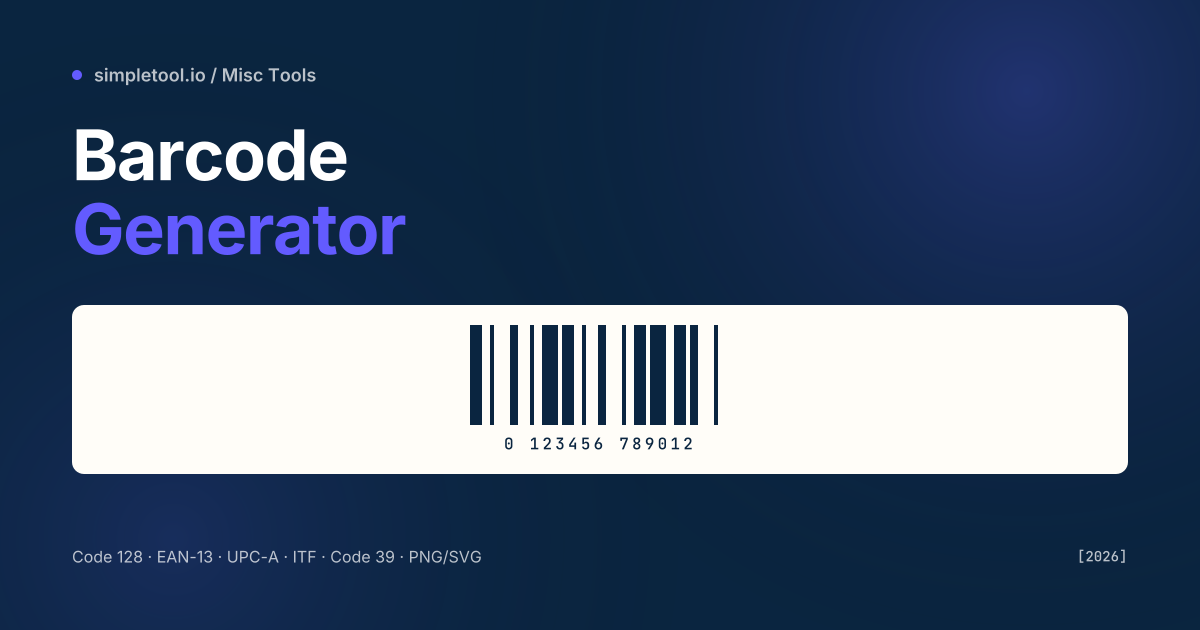
Barcodes look interchangeable from a distance but they’re a small zoo of incompatible standards. Use UPC-A on a European retail product and the supermarket scanner will reject it; use Code 39 on a shipping label and your carrier’s reader may not parse it. Picking the right symbology matters more than the visual styling. Once you’ve picked, generation is mechanical: encode your data, draw the bars, optionally add the human-readable digits underneath, export.
Our barcode generator supports 8 symbologies covering 95% of real use cases — Code 128 (the modern default), EAN-13 / EAN-8 (retail global), UPC-A / UPC-E (retail North America), ITF-14 (outer cartons), Code 39 (legacy alphanumeric), and MSI (warehouse shelving). Outputs are scalable SVG (for print) or PNG (for screens). This guide covers which symbology to pick, the data formatting rules per type, and the print-quality details that make the difference between a barcode that scans every time and one that fails 5% of the time.
Which barcode symbology should you pick?
| Symbology | Best for | Data type | Length |
|---|---|---|---|
| EAN-13 | Retail products globally | Digits 0-9 | 12 + 1 check digit |
| UPC-A | Retail in North America | Digits 0-9 | 11 + 1 check digit |
| Code 128 | Inventory, shipping, internal IDs | All ASCII | Variable (1–80 typical) |
| ITF-14 | Outer shipping cartons | Digits, even count only | 14 fixed |
| Code 39 | Government, legacy systems | A-Z, 0-9, -.$/+% |
Variable |
| EAN-8 | Small retail items (where EAN-13 won’t fit) | Digits 0-9 | 7 + 1 check |
| UPC-E | Compressed UPC for small packaging | Digits 0-9 | 6 + 1 check |
| MSI | Warehouse shelving | Digits 0-9 | Variable |
If unsure: pick Code 128 for internal use (it encodes every printable ASCII character compactly), and EAN-13 / UPC-A for retail. Don’t ship a Code 39 barcode in 2026 unless a partner system specifically requires it — it’s larger and lower density than Code 128 for the same data.
Check digits — what they are, why they exist
EAN-13, UPC-A, ITF-14, and others end with a check digit computed from the preceding digits using the GS1 modulo-10 algorithm: weight digits alternately by 1 and 3, sum, and pick the smallest digit that makes the total a multiple of 10. This catches single-digit errors and most transposition errors at scan time. Our generator computes the check digit automatically — paste 12 digits and we add the 13th — but you can override it if you’re reproducing a specific code that uses a different scheme.
Code 128 has internal checksums built into the symbology; Code 39 has an optional mod-43 check digit (rarely used outside government).
How to generate a barcode
- Open the barcode generator
- Pick a symbology (Code 128 if unsure)
- Enter your data — invalid characters are flagged as you type
- Adjust width, height, and “include text below” toggle
- Pick PNG (for digital use) or SVG (for print and labels)
- Click Download — the file appears in your browser’s downloads folder
Print quality — the X-dimension rule
Barcode print quality is governed by the X-dimension — the width of the narrowest bar. GS1’s published spec sets the X-dimension between 0.264 mm (10 mil) and 0.66 mm (26 mil) for retail. Print at less than 0.2 mm and scanners struggle; below 0.15 mm and scans fail outright. The barcode also needs quiet zones (blank margins) of at least 10× X on each side — squeeze the barcode into a tight box without quiet zones and scanners can’t find the start/stop characters.
For a printed product label aim for X = 0.33 mm (13 mil); for a screen-only QR/ID barcode, any size that’s at least 200 px wide on a typical phone is fine. SVG output scales without loss, so prefer SVG for anything you’ll print.
Common gotchas
- EAN-13 and UPC-A are nearly identical encoding-wise. A 12-digit UPC-A is a 13-digit EAN-13 with a leading zero. Many EU scanners treat UPC-A as EAN-13 with a 0 prefix; some legacy US scanners specifically reject EAN-13 with a non-zero leading digit.
- ITF-14 requires an even number of digits. 13-digit input is invalid; the symbology pairs digits to encode them. Our generator pads with a leading zero and recomputes the check digit.
- Code 128 has 3 modes (A, B, C). Mode C compresses pairs of digits 2:1, halving the bar count for numeric strings. Our encoder picks the optimal mode automatically — you don’t need to choose.
- “Standard 2 of 5” and ITF aren’t the same. Standard 2/5 is a different (rare) symbology. ITF (Interleaved 2 of 5) is the modern variant used for cartons.
- Real product barcodes need a registered GS1 prefix. If you’re putting a EAN-13 on a product to sell in supermarkets, you must purchase a company prefix from GS1 (~$30/year for a single-digit prefix, ~$2,000+ for batches). Self-generated codes have no global guarantee of uniqueness.
- Don’t shrink barcodes to fit a tiny package. Use a smaller symbology instead — EAN-8 or UPC-E are designed for small packaging. Squeezed full-size codes fail to scan.
When NOT to use this tool
For mass label printing (thousands of unique codes), use a desktop label printer driver that talks to your inventory system — Zebra ZPL, Brother P-Touch, Dymo. For commercial product distribution, register a GS1 company prefix and follow GS1’s barcode placement and quality guidelines. This generator is right for inventory tags, asset labels, internal tracking, prototype packaging, classroom demos, and one-off codes for a small business.
Frequently asked questions
What’s the difference between a barcode and a QR code?
Barcodes are 1D (vertical bars only) and encode 10–80 characters. QR codes are 2D (a square grid) and encode up to 4,296 characters. Use a barcode for a product SKU or shipping label; use a QR code for a URL, contact card, WiFi credentials, or rich data.
Can I use this for retail products I’ll sell?
You can generate the visual, but for products sold via supermarkets and major retailers you must register a company prefix with GS1 to guarantee global uniqueness. Self-generated codes are fine for internal inventory; they’re not legally required to be globally unique unless you sell through a regulated retail chain.
Why does my printed barcode fail to scan?
Three usual suspects: (1) X-dimension too small — the bars are below the 0.2 mm threshold, (2) missing quiet zones — scanners can’t locate the start/stop, (3) low contrast — printer toner is faded or the surface is reflective. Print at 600 DPI minimum, leave 10× X margins, use matte paper with high-contrast ink.
Should I use PNG or SVG?
SVG for print — vector scales without loss at any DPI. PNG for digital use where SVG isn’t supported (some POS systems, embedded devices). Generate at 4× the display size if you go PNG, to allow zoom without aliasing.
Is my data uploaded?
No. The generator runs in your browser. SKUs, IDs, and product numbers stay on your device — useful when codes contain confidential information.
Can I generate batches of barcodes?
Yes — the tool offers a “batch mode” where you paste a list of values (one per line) and download a ZIP containing one image per line. Useful for inventory labelling and small-run product runs.
Related tools and guides
- Barcode Generator
- QR Code Generator
- List Randomizer
- Strong Random Password Generator
- All miscellaneous tools